










Important: Do not use dots (.) in your username. Allowed characters: letters (a–z, A–Z), numbers (0–9), hyphen (-) and underscore (_)
1
Explore Local Services & Find Exactly What You Need
Choose How You Pay
Every job is different, so pros pick the format that fits.
Fixed price: One price, one job — TV mounting, a lawn mow, a haircut.
Hourly: Pay for the time you need. Best when the scope isn’t fixed.
Packages: Basic, Standard or Premium on one listing — pick your level.
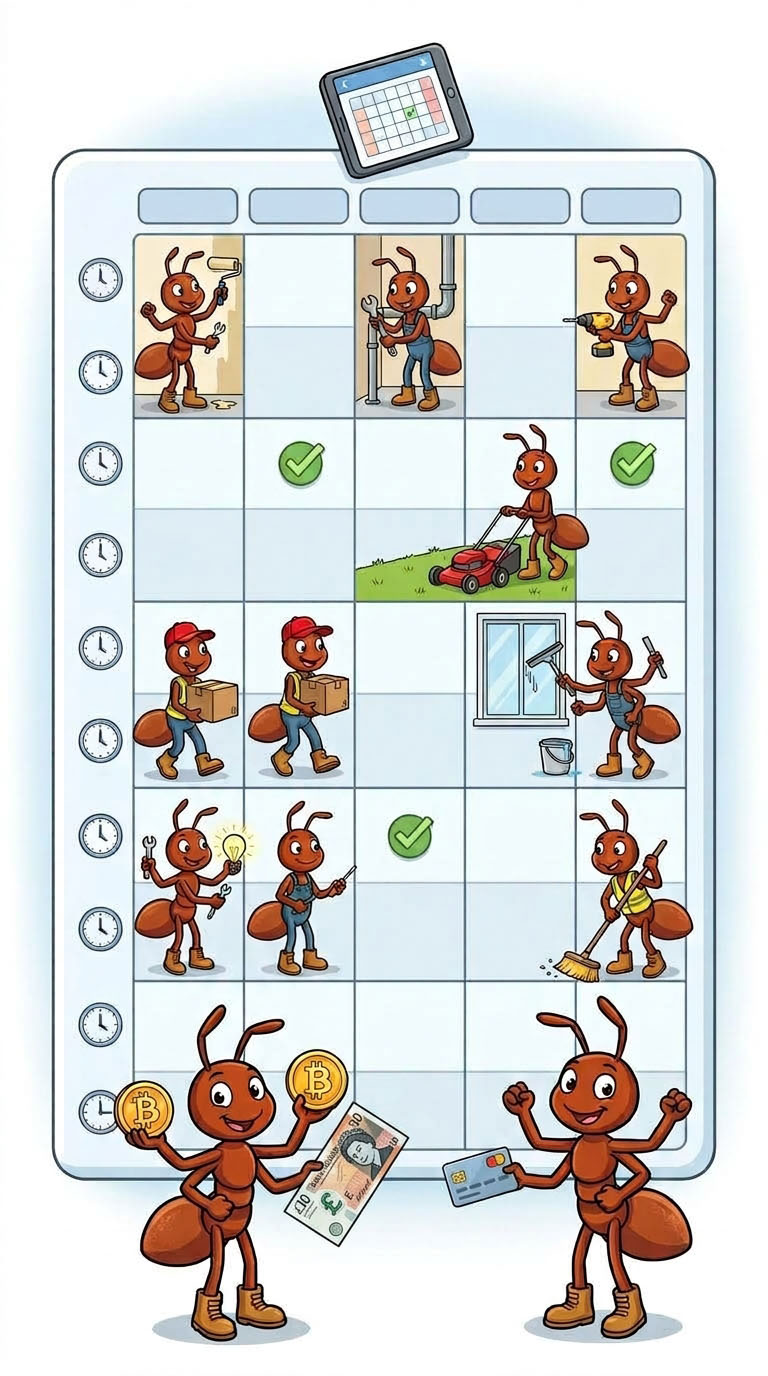
Booking: Grab a slot on the pro’s live calendar. Pay, and it’s yours.
Milestones: Split big jobs into stages, release payment as each wraps up.
Customer Tip: Not sure? Message the pro — most will quote your exact job.
2
Placing an order
Payment & Security
Pay easily with your HardyAnt wallet balance, card, PayPal or cryptocurrency. Customer fee: $0. Crypto payments incur zero platform processing surcharges.
Once your payment is confirmed:
Order Dashboard: Track your job, share access details or photos, and message your pro directly from your active Orders page.
Escrow Protection: Funds are held securely in escrow until the work is finished. You only release payment once the job is done and you’re satisfied with the result.
3
Job Tracking & Communication
Message your pro in real time. Share photos, access details, or what’s wrong — all inside the secure HardyAnt platform.
Keep it on HardyAnt: Messages, quotes and agreements stay here — that’s the record we check if anything goes wrong.
Need to Change Your Booking?
Reschedule: Message your pro and request a modification with the new time.
Cancel: Request a mutual cancellation. Once your pro agrees, your money comes back.
Something went wrong? Open a dispute and our arbitration team reviews the case.
Just talk to them: The order chat is always open. Most scheduling issues take two messages.
4
Final approval
Review & Approval
Once your pro finishes the job, check the work carefully and ask them to fix anything that isn’t right. When you’re happy with the result, approve the order to release payment from escrow.
Auto-approval after 3 days: If you don’t approve or request a fix within 3 days of the pro marking the job complete, the order is approved automatically and payment is released. Speak up before then if something’s wrong.
Customer Tip: Leave an honest rating and review — it helps good pros get more work and guides your neighbors toward the best local talent on HardyAnt.
1
How to Create a Listing on HardyAnt
Listing your services on HardyAnt puts you in front of local customers ready to book — with full escrow protection when you get paid through the platform.
Creating Your Service Listing
Go to My Account → Listings → Create New.
Clear Details: Real photos of your past work, a direct title, and exactly what’s included — and what isn’t. This is what earns a booking.
Customer Instructions: Ask what you need upfront — square footage, parking, pets, access codes — so you arrive ready to work.
Set Your Area: List the neighborhoods and ZIP codes you cover, so you only get requests you can take.
Packages & Milestones: Offer Basic, Standard and Premium tiers, or split bigger jobs into stages with milestone payments.
Promote & Scale: Share your listing link with past customers and on social to bring in repeat work.
Setting Up Booking (Optional)
If your work runs on appointments, let customers book a time slot themselves — no phone tag.
Create a resource. Go to Jobs → Booking and add one for each type of work, with the time it takes: “Haircut — 45 min”, “Deep clean — full day”. Each keeps its own calendar.
Mark your available time. Open Timeslots and set when you’re free. Single adds one block; Bulk fills a window at once — six 30-minute slots from 9:30 to 12:30.
Attach it to your listing. Choose Booking as your price type and select the resource.
Day to day: A customer picks a slot and pays. You get a notification with the date and time, and that slot disappears — nobody can double-book you. Your full schedule, week by week and month by month, lives in My Bookings.
Keep it current: Slots repeat weekly until you change them. If you’re away, close them — an open slot is a promise a customer can pay for.
2
How do I contact my customers?
Managing Jobs & Approvals
Messaging and job tracking are built into the platform to keep your day organized:
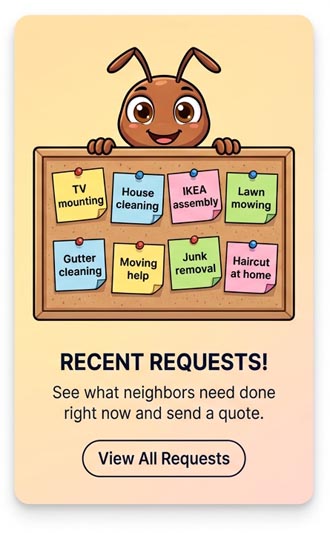
Customer Outreach: Message potential customers before an order comes in, or browse the Requests section to send custom quotes to people looking for exactly what you do.
Managing Jobs: Track active and completed jobs in your Sales dashboard – see customer details, confirm the appointment, send updates on your way, and mark the job complete when you’re done.
Automatic Approval: Once you mark the job complete, the customer has 3 days to review it. If they take no action within 3 days, HardyAnt automatically marks the order complete and releases your funds from escrow.
Plans Change – Here’s What to Do
Life happens: traffic, weather, a customer who isn’t home. Every order has tools to handle it without anyone losing money.
Reschedule: Message the customer right in the order, agree on a new time, and request an order modification to update it.
Need more time? Use the extend request button in the order to push the delivery deadline – the customer just has to approve it.
Mutual cancellation: If the job genuinely can’t happen, either side can request a cancellation. When both agree, funds go back to the customer and no one takes a hit.
Arbitration: If you can’t agree, either the customer or the pro can open a dispute and our team will step in.
Pro Tip: Whatever happens, keep it in the order chat. A quick message explaining the delay is what keeps your rating intact – customers forgive a reschedule, they don’t forgive silence.
3
Withdraw your earnings.
Payouts, Fees & Sales History
Funds become available as soon as the customer approves the job. If they don’t respond, the order auto-completes in 3 days, followed by a 1-day clearing period before release. So the longest you’ll ever wait after finishing a job is four days — and usually far less, because most customers approve the same day.
Low Platform Fee: HardyAnt takes only 10% from pros — customers pay 0%. No monthly fees, no subscriptions, no lead fees. You’re never charged for a quote that doesn’t turn into a job. Compare that to platforms where you pay just to send an estimate, whether or not you get hired.
Get Paid Your Way: Take payment through HardyAnt, or arrange to be paid directly on the job and keep 100%. Escrow protection applies to platform payments — the customer’s money is already secured before you start, so you’re never chasing an invoice.
Your Wallet: Earnings land in your HardyAnt wallet as each job clears. Withdraw whenever you like, or leave a balance to use on the platform. You’ll see pending and available amounts separately, so you always know what’s cleared and what’s still in the 3-day window.
Flexible Withdrawals: Cash out to your preferred crypto wallet, Binance, or PayPal. Crypto payouts arrive fastest and carry no platform surcharge.
Sales History: Track all past jobs, earnings, and trends anytime under My Account → Sales History. Use it to see which services actually make you money, which months are busiest, and which customers come back — then adjust your listings and pricing before the next season.
Pro Tip: Set aside part of every payout for taxes. HardyAnt doesn’t withhold anything — you’re an independent contractor, and your Sales History is the record you’ll want when it’s time to file.
Popular Categories